How do you add an HTML email signature to the Gmail mobile app on Android or iOS devices?
Last Updated On: 2025-11-14
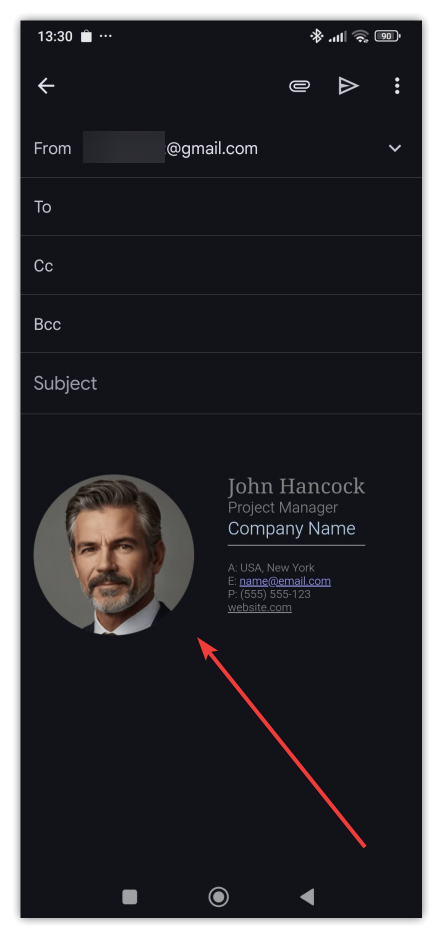
Although the Gmail mobile app doesn’t support full HTML signatures directly, you can still use them with a simple workaround. First, add an email signature in the Gmail web app on a computer. If you leave the signature field empty in the Gmail mobile app, it will use the signature set in the web version of Gmail. This means that the email signature you created in the web app version of Gmail will show up in your Android or iOS Gmail app.
Here's how to check if you have a mobile signature set up in the Gmail app:
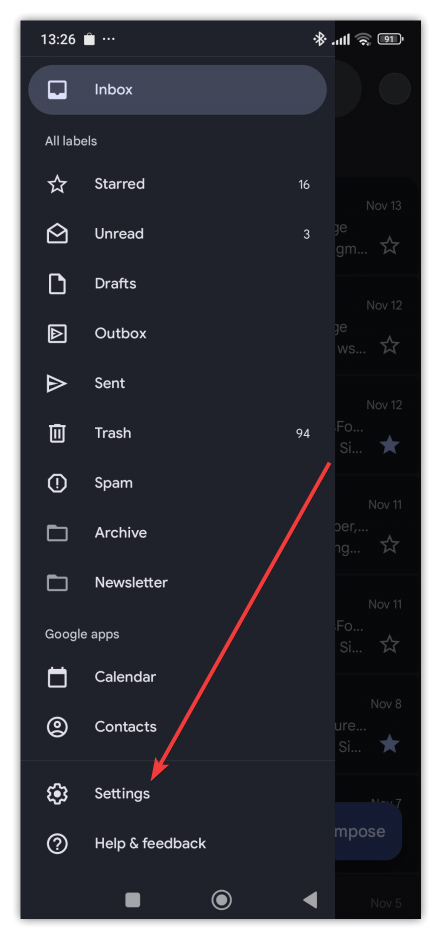
- To check if you have a mobile signature set in the Gmail app, you need to tap the burger menu icon in the top left corner of the Gmail mobile app and then tap Settings:
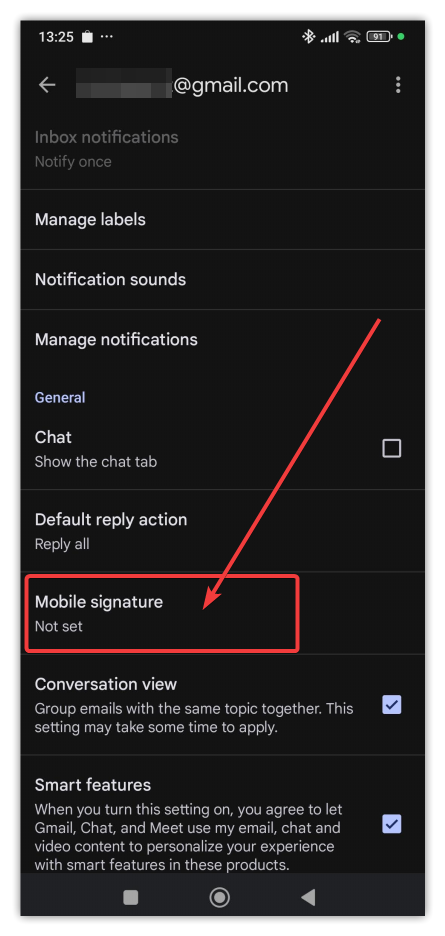
- Check your account settings in the Gmail mobile app and verify that Mobile Signature is not set:
- If everything is set up correctly, your email signature will appear when you create a new email in the mobile app